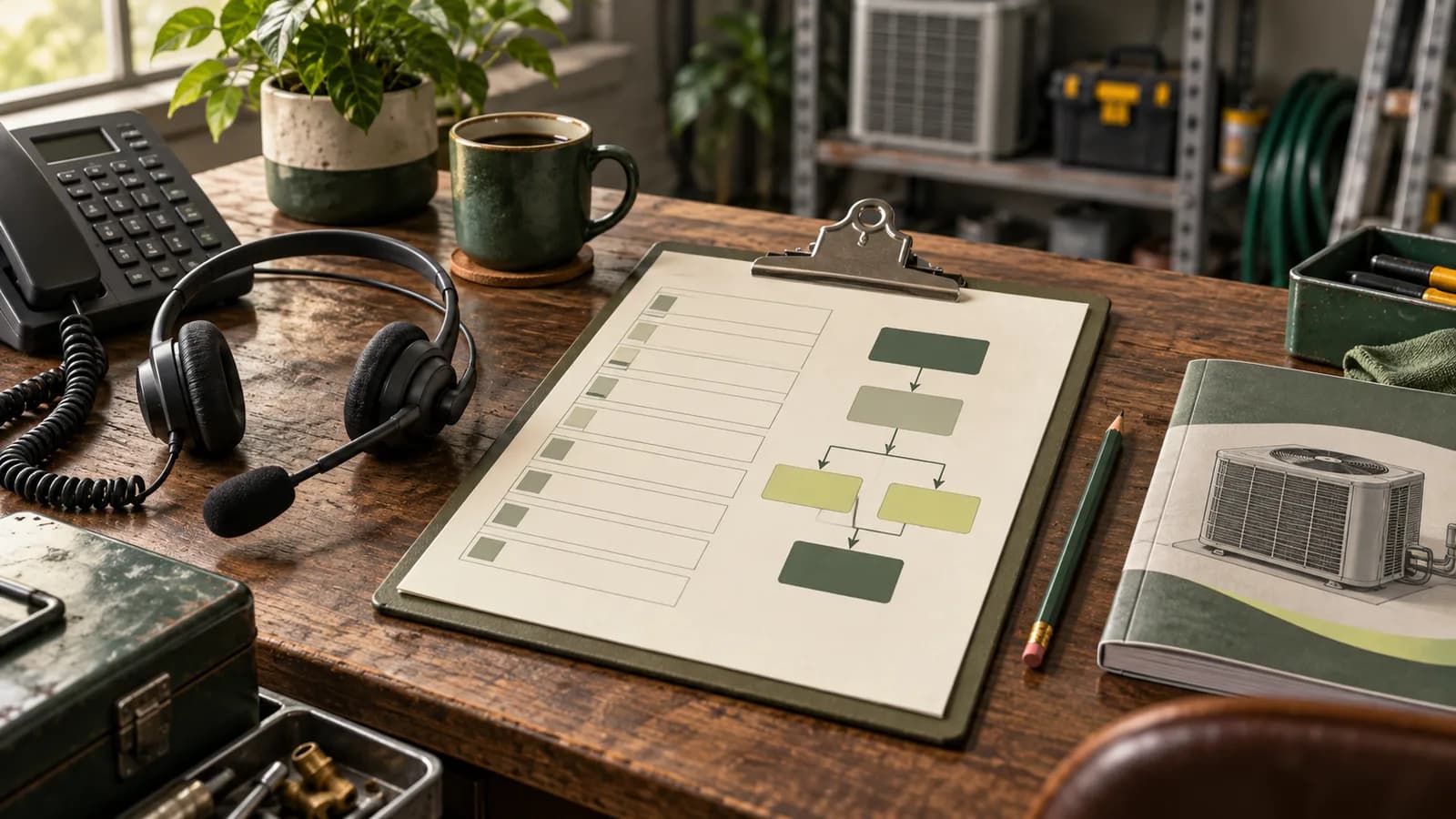
Make the request ready for the next person
An HVAC dispatch checklist should tell the office what the customer needs, whether the job is eligible, who can do it, and what the customer has actually been promised. Use it at the handoff from call intake to dispatch, then check it again when the schedule changes. A complete phone note is useful only if someone can act on it.
Start here: use the editable dispatch handoff checklist to review one request. Keep uncertain fields marked for review instead of filling them with guesses.
This guide is for owners and office leads managing residential service requests. It covers the information and decisions around dispatch, not equipment diagnosis or technical work instructions. For the actual words to use while answering, start with the HVAC phone script.
Capture a minimum record with a clear status
Use one request reference across the call, callback, and appointment. Search for an existing open request before creating another one. A homeowner who calls twice about the same visit should not leave two dispatchers trying to reserve two technicians.
- Reach the caller: verified callback number and approved contact method.
- Find the property: service location and coverage result, not just the billing address.
- Understand the request: the caller's reported problem and requested work in plain language.
- Preserve uncertainty: equipment type if known, questions still open, and any approved escalation trigger.
- Assign the next action: current status, responsible person, response deadline, and the promise made on the call.
Keep “customer says the furnace stopped” separate from “furnace requires replacement.” The first is a reported fact. The second is a technical conclusion the intake person should not invent. Similarly, a caller's belief that a repair is covered does not establish warranty or membership eligibility.
Only collect details that support the next action. Use the company's protected job record for necessary access information; keep personal details out of public spreadsheets, screenshots, and training examples. A dispatcher needs enough context to work, not a copy of every conversation the customer has ever had.
Check five gates before promising a visit
| Check | Evidence to use | If it is missing |
|---|---|---|
| Approved routing | Current escalation policy and the caller's report. | Route for qualified human judgment; do not label the situation safe. |
| Service eligibility | Actual territory, property type, and supported work. | Keep coverage or scope under review. |
| Qualified capacity | Available technician with the required permissions, travel time, and working hours. | Assign dispatch to review capacity; an empty calendar block is insufficient. |
| Appointment commitment | Saved appointment and approved arrival window. | Describe a request or callback, not a confirmed visit. |
| Accepted handoff | Assigned person has the record and knows the next action. | Keep the handoff open with an owner and deadline. |
The checklist should allow a request to stop at any gate. “Needs location review” is a useful answer if it sends work to a named person. Requiring staff to choose an inaccurate completed status makes the board look tidy while hiding the actual delay.
Work through an afternoon handoff
Consider this fictional example. A caller requests a heating visit at 1:40 p.m. for a property inside the company's service area. The approved intake policy routes the reported issue to dispatch for review. The caller prefers that afternoon, but the office has not assigned a technician.
Useful note: “Request H-018. Heating service requested; caller reports the system stopped this morning. Location checked. Same-day visit preferred, not promised. Dispatch lead to review capacity and call through the verified number by 2:15 p.m. Appointment pending.”
Suppose dispatch finds a qualified technician free at 3:00, but the preceding job is across town. The review must include travel and the remaining workday before a window is offered. If the office cannot support the preferred visit, it should explain the actual available next step. The time in this example illustrates an office commitment, not a recommended response standard.
Once the customer accepts a valid window and the appointment is saved, update the same record. Then send the technician the reported issue, authorized work type, location, relevant access notes, and any unresolved question. Do not make the technician reconstruct the promise from three separate messages.
Use the checklist when the day changes
A good morning plan can become inaccurate after the first long repair. When a visit moves, check the affected appointment, technician, customer expectation, and follow-up owner together. A changed dispatch board with an unchanged confirmation message gives two different versions of the day.
If a technician becomes unavailable, recheck qualification and travel before assigning a replacement. If the customer changes the address, recheck coverage. If a second piece of equipment is added, ask whether the original work window still fits. Keep changes attached to the original request so the office can see what was agreed.
Use the appointment confirmation and delay scripts when communicating the verified result. If the appointment system fails during a change, inspect the saved record before retrying. Keep the customer informed about which appointment is currently valid.
Hand over unresolved work before the shift ends
At shift change, review pending requests, missed response deadlines, failed contact attempts, and jobs awaiting customer decisions. Transfer responsibility explicitly. An item that belongs to an absent person needs a new owner, even if it already has a name on it.
For each item, the incoming dispatcher should be able to answer: what remains undecided, what does the customer expect, when is the next action due, and where is the authoritative record? If those answers require listening to an entire call, tighten the handoff note.
Record completed work separately from the follow-up it creates. A visit may result in a completed repair, an estimate, a parts order, or another scheduled visit. Those are different outcomes. Sending an invoice does not establish payment, and scheduling a return does not establish a completed job.
Review the handoff with your office team
Start with a small sample of recent requests. Count how many needed another customer call because intake was incomplete, how many changed because the wrong capacity was assumed, and how many missed the promised response deadline. Keep the sample size visible and compare similar coverage periods.
Turnline's HVAC pilot review can help define the call-intake fields and follow-up ownership that feed this handoff. Bring your dispatch checklist and one anonymized example to request an HVAC pilot review. The review establishes fit and scope; it does not activate a dispatch integration or guarantee pilot acceptance.
Frequently asked questions
What belongs on an HVAC dispatch checklist?
Include the reported request, verified location and callback details, service eligibility, required human review, qualified capacity, appointment status, owner, and next deadline. Keep the customer's preference separate from the office's actual commitment.
When is a request ready to send to a technician?
When the authorized work, location, assigned technician, appointment commitment, and necessary context have been checked. If a decision remains open, name the person responsible and preserve the pending status.
Does a free calendar block mean a technician is available?
No. Dispatch also needs to account for qualifications, travel, working hours, and the preceding job. The person making the assignment should check those constraints before offering a window.
How can Turnline fit the dispatch workflow?
An HVAC pilot review can define the intake fields, routing, and follow-up ownership that feed dispatch. Bring an anonymized handoff example. Supported connections and live-call scope require separate validation.