Give overflow calls a defined home
HVAC call overflow starts when another customer rings while your office is already occupied. Handle it with a defined backup route, a short intake, and a dispatcher who owns the next action. Answering more calls helps only if those requests reach someone who can act on them.
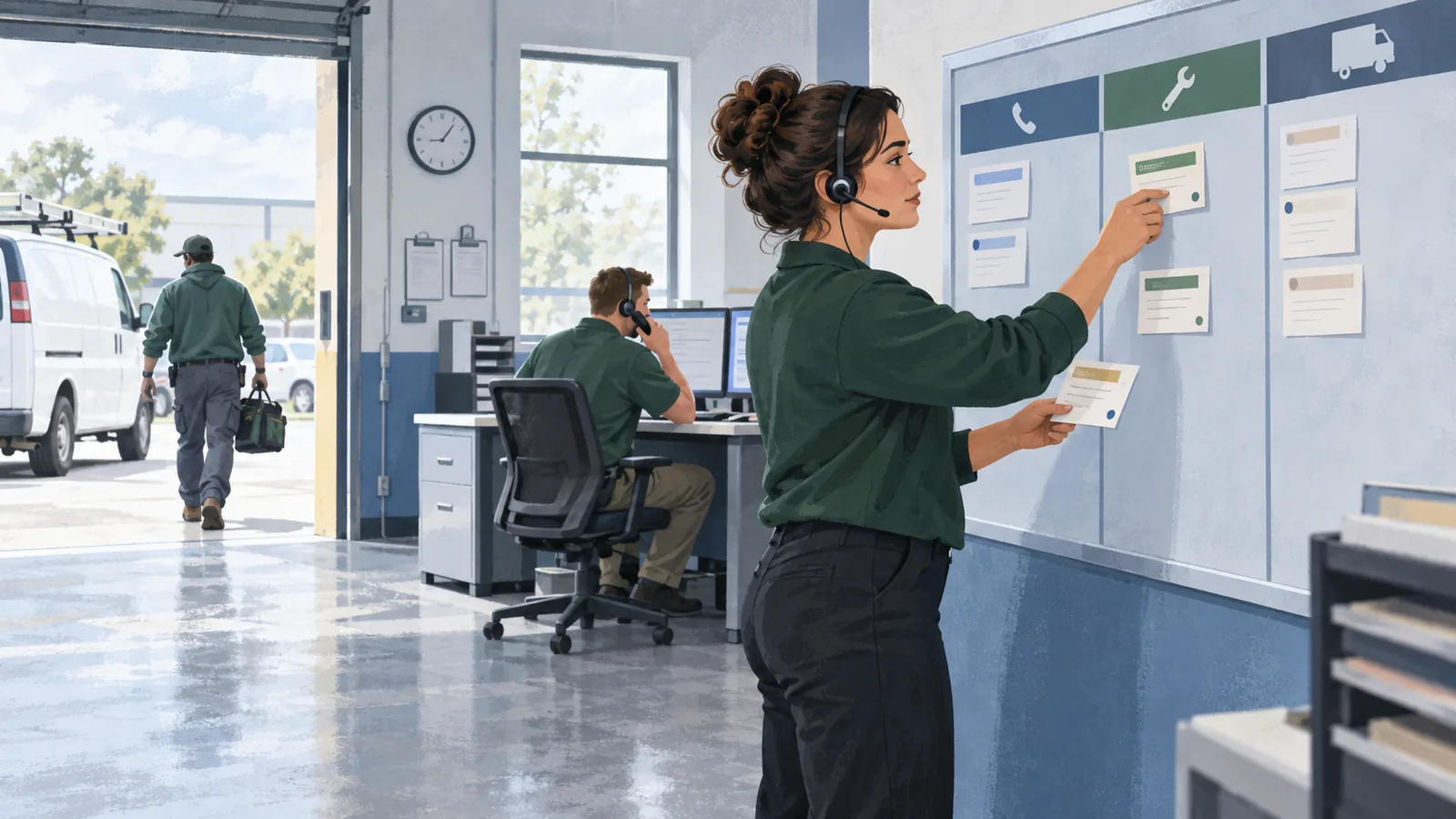
Picture a Monday morning: one dispatcher is moving an installation, another is helping a customer at the counter, and three new calls arrive. Some callers want maintenance. One wants an update on a technician. Another needs to describe a problem to a qualified person. Sending every call into the same unlabelled message pile creates more sorting work.
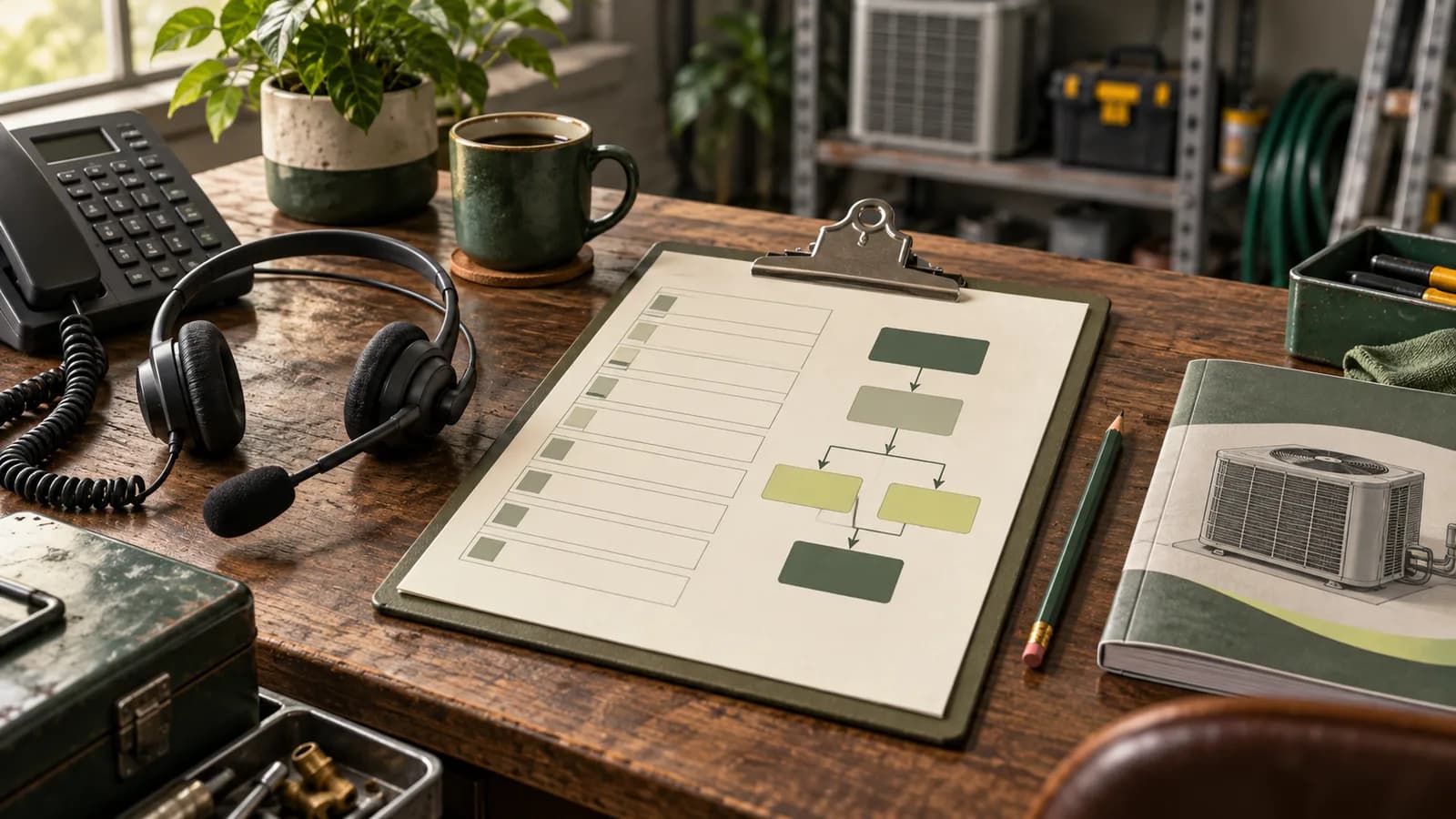
This guide focuses on overflow during open hours. Use the after-hours HVAC checklist for closing-time coverage. For busy daytime periods, start with the HVAC overflow planning sheet and work through one real coverage window.
Measure the busy window, not just the daily total
A daily call total hides the moment your office runs out of capacity. Review the busiest half-hour blocks in your phone log alongside what staff were doing. Record how many calls connected, waited, rang out, or reached voicemail. Group repeat attempts from the same person when they concern the same request, while preserving each attempt in the log.
Here is an original planning example, not a Turnline customer result. Between 8:30 and 9:00, a shop receives 18 call attempts from 14 people. Staff speak with eight people; six still need a response. That is six unresolved callers to investigate, not ten lost jobs. Some may be existing customers checking arrival times, and some may have been reached later.
Next, check the work left behind. If staff can answer calls but cannot review captured requests until noon, the problem includes follow-up capacity. Your overflow plan should name the person reviewing the queue during that same window. Do not simply move the backlog from a ringing phone to an unread inbox.
Choose a routing trigger the office can explain
Write down exactly when a call moves to backup coverage. Common starting points are an occupied office line or an unanswered call after an agreed interval. Choose the interval using your phone setup and staffing; a universal number of rings will not fit every shop.
- Normal route: which office number or group gets the first chance to answer?
- Overflow trigger: what happens when that group is busy or does not answer?
- Backup route: who or what receives the call next?
- Failed backup: what does the caller hear if that route is unavailable?
- Return to normal: who can restore the previous routing, and how will they verify it?
Keep the overflow transfer from returning to the same busy group. A call that loops between the office and its backup has technically been routed several times without receiving help. Test the public number from an outside phone while the office lines are occupied, then test again when staff are available.
Sort requests by the next action
The office needs a useful distinction between requests. Ask what the caller needs, check the service location, and capture a reliable callback number. Apply the company's approved escalation rules when a reported concern needs immediate human judgment. Phone intake should not diagnose equipment or invent safety advice.
| Caller needs | Useful detail | Owned next action |
|---|---|---|
| New service request | Location, reported problem, callback details, preferred window. | Dispatcher reviews scope and actual appointment capacity. |
| Arrival or job update | Existing appointment and the question being asked. | Assigned office contact checks the current job record. |
| Maintenance inquiry | Requested service and workable dates. | Scheduling owner offers an approved next step. |
| Concern needing judgment | Caller's own words and details required by the escalation policy. | Approved human contact receives the context through the tested escalation path. |
These are routing examples, not automatic priority decisions for every company. A repeat customer asking about an existing visit should not accidentally create a second service request. An unfamiliar address should stay under review until coverage is checked.
More answered calls do not create more truck slots
Your receptionist may capture five requests while the dispatch board has room for only one more visit. Define what can be offered when the day is full: an approved future opening, a pending scheduling request, or a callback from dispatch. Never turn the caller's preferred time into an arrival promise.
“I can take the details for dispatch to review. You're asking for today, and I have recorded that preference. Your appointment is not confirmed yet. [Office contact] will update you by [approved response time].”
Replace the bracketed fields with commitments your staff can meet. If capacity changes, update the available options and the wording together. For a fuller greeting and intake sequence, adapt the HVAC call-answering script.
Acknowledging a request is still useful when it gives the office accurate information and gives the customer a dependable next step. It becomes misleading when the acknowledgment sounds like dispatch has accepted the job.
Work one shared callback queue
Each captured request needs an owner, a response deadline, a status, and the exact expectation given to the caller. Keep that information where the next staff member can see it. “Sent to the office” is not a person, and “ASAP” gives the next shift no useful deadline.
Use a small set of understandable states: needs review, assigned, attempted contact, awaiting customer, scheduled, and closed with a reason. An attempted callback should retain its attempt time and next action. If the customer calls again, staff should find the existing request and update it instead of starting another competing task.
At a shift change, review overdue items and reassign ownership explicitly. If a promised response cannot happen on time, the new owner needs to address that expectation. A queue should make missed commitments visible while there is still a chance to repair them.
Rehearse the busy hour before expanding coverage
Use fictional callers to test three concurrent requests, an existing customer's repeat call, an out-of-area address, a full dispatch board, a failed transfer, and an unavailable destination. Check the resulting records as well as what the callers hear. Then restore normal routing and confirm that ordinary office calls work again.
For an approved pilot, compare similar coverage windows and record eligible callers, complete requests, callbacks completed within the promised window, confirmed appointments, and staff correction time. Follow appointments through completed work separately. A larger number of answered calls alone does not establish recovered revenue.
Turnline's HVAC pilot review is intended to define this kind of bounded overflow workflow. Bring your busiest coverage window, routing plan, and one difficult request to an HVAC pilot review with Turnline. The review helps establish scope, supported connections, and follow-up responsibilities before live-call setup.
Frequently asked questions
What is HVAC call overflow?
Overflow occurs when an incoming call cannot be handled by the office's normal answering route, often because staff or lines are occupied. The backup needs to capture a usable request and identify the person responsible for the next action.
How is daytime overflow different from after-hours coverage?
Daytime overflow backs up an open office during busy periods. After-hours coverage follows closing-time and on-call rules. They may use some of the same intake fields, but routing triggers, available staff, and response commitments can differ.
Can overflow calls be answered when the dispatch board is full?
Yes, a workflow can still capture the request and offer an approved next step. It must distinguish a preferred time from a confirmed appointment and avoid promising a truck slot that dispatch has not made available.
What should an overflow callback record include?
Include the caller's request, service location, verified callback details, owner, response deadline, current status, and the expectation given to the caller. Preserve repeat attempts together when they concern the same request.
How do I discuss overflow coverage with Turnline?
Bring your busiest coverage window, current routing, service-area rules, and one difficult request to the HVAC pilot-review form. The review defines a possible scope; acceptance and live-call setup require separate approval.